



Editors-xtd is the plugin group behind the buttons that appear with the article editor. They are extensions to the editor rather than part of it, so they only run when an editor plugin is active.

The buttons insert markers and links into the article for you rather than requiring the code to be typed. Between them they cover inserting an image from the Media manager, adding a Read more break, adding a page break to split a long article across several pages, and inserting a link to another article, a menu item or a module.

Each button is a separate plugin, so any of them can be switched off for a site that does not need it. They are listed together under System → Plugins when the list is filtered by the editors-xtd type.
Legal notice

Lorem ipsum dolor sit amet, consectetur adipiscing elit, sed do eiusmod tempor incididunt ut labore et dolore magna aliqua. Ut enim ad minim veniam, quis

Read more ...

About Us

Lorem ipsum dolor sit amet, consectetur adipiscing elit, sed do eiusmod tempor incididunt ut labore et dolore magna aliqua. Ut enim ad minim veniam, quis

Read more ...

Contact Us

Dynamic VirtueMart Template
Compatible with Joomla 5 and VirtueMart 4

Nice Ave. 78/1 6M 78A London UK
Mail: sales@example.com
Phone: 1 800 123 123

×

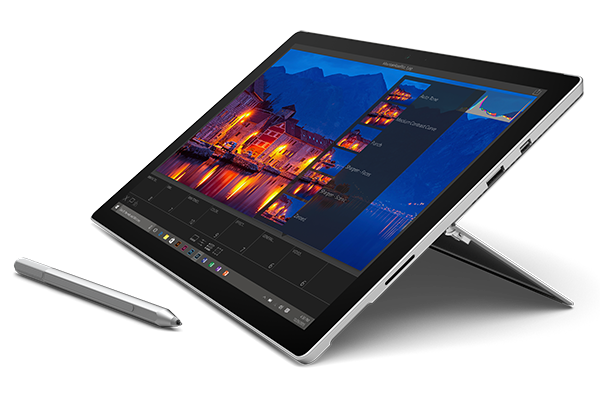
Surface Pro 4 Table

Here is the pop up panel you can use to promote any product or products that you think your customers should see at the very top of the website. You can use 6 different modules positions between intro-1 and intro-6.

215,00 €

FIND OUT MORE BUY TODAY!


TOP