




See also
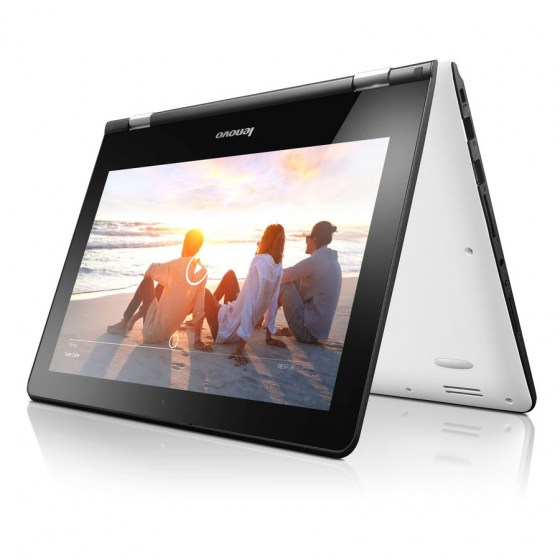
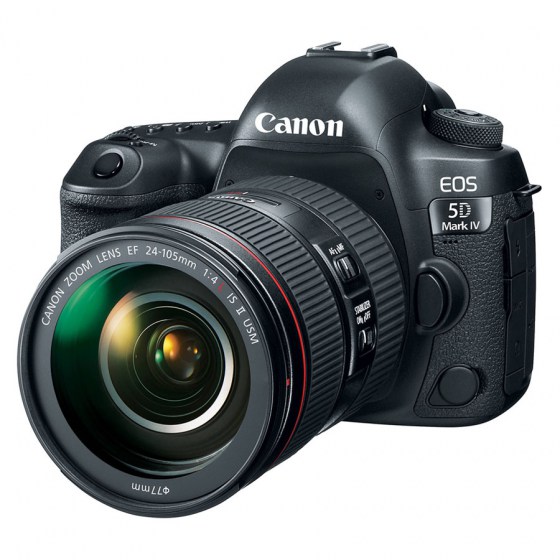

TABLETS
The greatest collection
of multimedia tablets
Plugins
Plugins are small task oriented extensions that enhance the Joomla! framework. Some are associated with particular extensions and others, such as editors, are used across all of Joomla. Most beginning users do not need to change any of the plugins that install with Joomla.
The Quick Icon plugin group supplies the status tiles shown on the Home Dashboard, the first screen an administrator sees after logging in to the back end.
Their main job is notification. If an update is available for Joomla itself or for an installed extension, a Quick Icon plugin is what puts that in front of the administrator instead of leaving it to be discovered. Other plugins in the group report on the site's environment and configuration in the same place.
Each tile comes from a separate plugin, so any of them can be switched off. They are listed together under System → Plugins when the list is filtered by the quickicon type.
The search component uses plugins to control which parts of your Joomla! site are searched. You may choose to turn off some areas to improve performance or for other reasons. Many third party Joomla! extensions have search plugins that extend where search takes place.
Default On:
- Content
- Contacts
- Weblinks
- News Feeds
- Categories
Captcha plugins protect the site's forms — registration, contact, login — against automated spam submissions by asking the sender to prove they are not a script.
Joomla ships with at least one captcha plugin, and others can be installed. Which ones are available depends on the Joomla version the site is running, so the list to trust is the one in the administrator under System → Plugins, filtered to the captcha type.
A captcha plugin has to be enabled and configured before it does anything. Once it is, choose it as the site-wide default in System → Global Configuration → Site → Default Captcha; individual forms can then use it. The reCAPTCHA plugin needs an account with Google and a pair of site keys, and the setup instructions appear when the plugin is opened in the administrator. reCAPTCHA is a Google service and is not affiliated with or endorsed by the Joomla Project.
System plugins run on every page request, before and after the rest of the page is assembled. Rather than affecting one article or one component, they change how the site as a whole behaves — how URLs are formed, what is cached, what security headers are sent, what gets logged.
A few of the system plugins that ship with Joomla:
- SEF — rewrites links into search engine friendly URLs.
- Remember Me — adds the "remember me" option to the login form.
- Cache — serves cached pages to guests to cut down on server work.
- Redirect — works with the Redirects component to catch broken incoming links and send visitors to the right page.
- Fields — makes custom fields available on articles, contacts and user accounts.
- HTTP Headers — sets security headers such as the Content Security Policy.
- Debug — reports database queries, timings and language diagnostics while a site is being built.
Which of them are enabled differs from site to site. The full list, and the settings for each, is in the administrator under System → Plugins, filtered to the system type.
Authentication plugins decide how a person proves who they are when they sign in to the site or to the administrator.
The Joomla plugin checks the username and password held in the site's own user table, and is the one nearly every site relies on. A Cookie plugin handles the "remember me" option on the login form, and an LDAP plugin is included for organisations that authenticate against a directory server. Other methods can be added by installing third-party plugins.
Joomla also supports Multi-factor Authentication, set up per user account, asking for a second proof after the password. The methods included in Joomla cover authenticator apps, one-time codes sent by email, and hardware security keys. Separately, the Web Authentication plugin allows signing in with a passkey or security key instead of a password.
The plugins installed on this site, and the settings for each, are listed in the administrator under System → Plugins.
User plugins act on events in the life of a user account — signing in, signing out, registering, and saving or deleting a profile. They are how you extend what happens around user accounts without modifying core code.
One user plugin is enabled by default and handles authentication against Joomla's own user table. Several others ship with Joomla but are disabled until you need them, including:
- Contact Creator — automatically creates a linked contact record for each new user who registers.
- Profile — adds extra fields such as address, phone and date of birth to registration and profile editing.
You will find all of them under System → Plugins in the site administrator, filtered by the user type. Read a plugin's description and options before enabling it — some change what visitors see on the registration form.
Joomla uses an editor wherever content is created, in both the site administrator and the front end. Three are supplied with Joomla:
- TinyMCE — the default. A visual editor for articles, custom modules and any other rich-text field.
- CodeMirror — a source editor with syntax highlighting, used when editing raw HTML, CSS or PHP, such as when customising template files.
- None — a plain text box. Content has to be written as HTML by hand, which is awkward for articles but useful when markup must be preserved exactly.
The default editor for the whole site is set in Global Configuration, and individual users can override it on their own profile. Editor documentation